

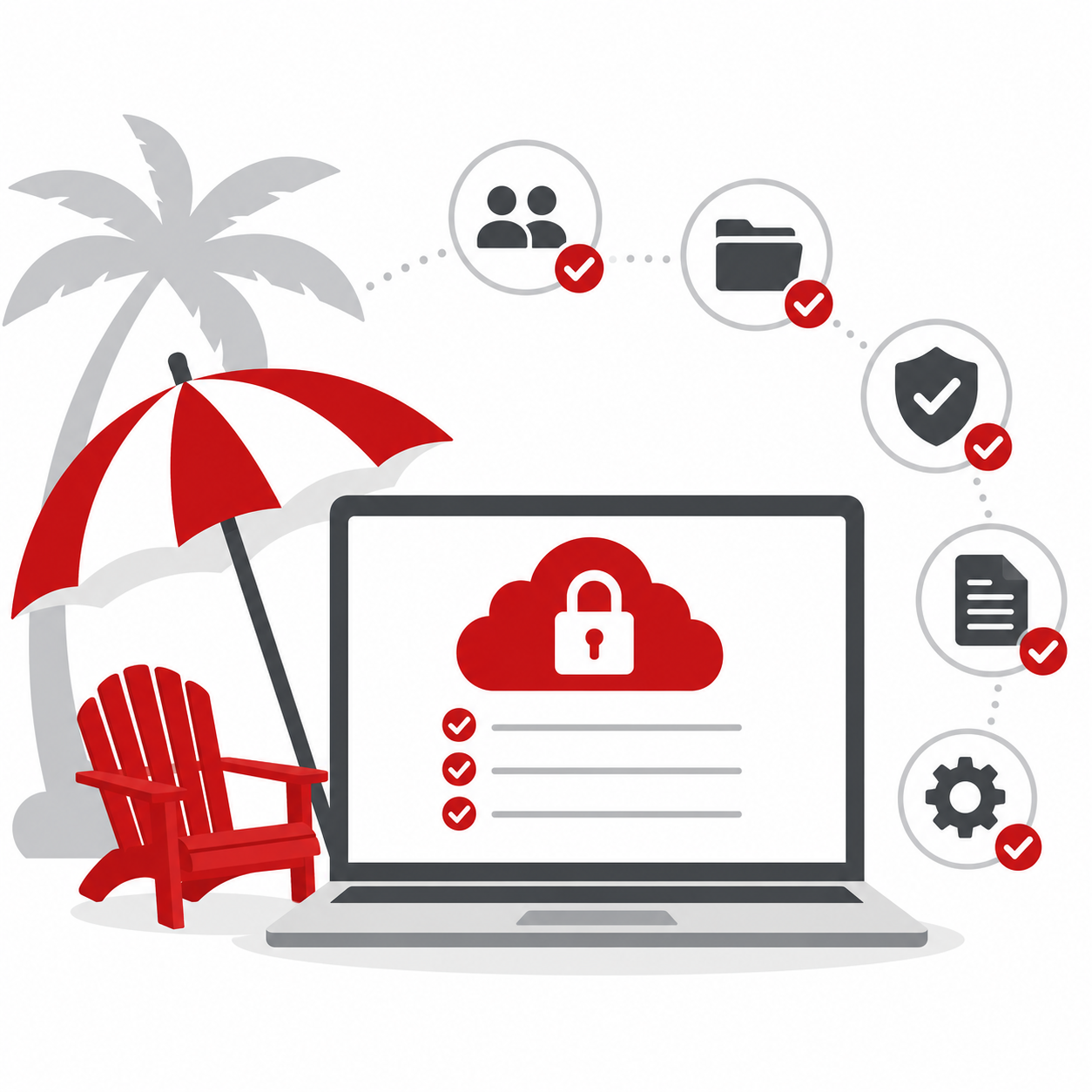
Summer work depends on the cloud more than ever.
Employees are checking email from different locations. Teams are sharing files from home, hotels, vacation rentals, and coffee shops. Meetings are happening in Microsoft Teams. Documents are being accessed through SharePoint and OneDrive. Business keeps moving, even when people are not all in the same place.
That flexibility is one of the best things about modern technology. But it also means your Microsoft 365 and cloud settings need to be ready for summer, too.
Before schedules get busy, it is a good idea to review how your cloud tools are configured, who has access to what, and whether your security settings are protecting your business the way they should.
Cloud Access Should Be Convenient and Controlled
Microsoft 365, Teams, SharePoint, OneDrive, and other cloud tools make it easier for employees to work from almost anywhere. That is especially helpful during the summer when people may be traveling, working remotely, or covering for coworkers who are away.
But easy access should not mean open access. Your business should know who can view, edit, download, and share important files. Permissions should match each person’s role, and old access should be removed when it is no longer needed.
If employees, seasonal staff, interns, or vendors have access to cloud files, make sure that access is intentional, appropriate, and current. A little permission cleanup now can prevent confusion and reduce risk later.
Sharing Settings Matter
File sharing is one of the most helpful cloud features, but it can also create problems if settings are too loose.
Employees may share links with outside contacts, vendors, clients, or personal email accounts without realizing how much access they are giving. A file meant for one person may be forwarded to someone else. A folder may be shared more broadly than intended. A link may stay active long after it is needed.
Before summer travel and vacation coverage begin, review your sharing settings.
Can anyone with a link open certain files?
Are external sharing permissions too broad?
Are sensitive folders restricted properly?
Do employees understand how to share files safely?
Are old sharing links still active?
Cloud tools are powerful, but they work best when the guardrails are set correctly.
Security Alerts Should Not Be Ignored
Summer schedules can make it easier for unusual activity to be overlooked.
An employee logging in from a different location may be expected. A manager may be traveling. Someone may be covering responsibilities they do not usually handle. But that does not mean every unusual login or access request is harmless. Microsoft 365 and other cloud platforms can provide important security alerts about suspicious sign-ins, risky behavior, or unusual activity. Those alerts should be reviewed and acted on appropriately.
Your business should know who is monitoring alerts, who responds to them, and what happens if the usual person is out of office. The cloud may be available 24/7, but someone still needs to pay attention when something looks off.
Multi-Factor Authentication Is a Must
If your team is using Microsoft 365 or other cloud-based tools, multi-factor authentication should be part of your security setup.
Passwords alone are not enough. They can be reused, stolen, guessed, or exposed in a breach. Multi-factor authentication adds another layer of protection, helping reduce the risk of unauthorized access even if a password is compromised. This is especially important when employees are logging in from new locations or unfamiliar networks.
Before summer is in full swing, confirm that MFA is enabled where it should be, that employees know how to use it, and that backup access methods are current.
Old Accounts Can Create New Problems
User accounts are another area worth reviewing before summer.
Former employees, old vendor accounts, unused mailboxes, temporary users, and outdated admin access can all create unnecessary risk. If an account is no longer needed, it should not remain active “just in case.”
Summer is also a common time for interns, seasonal staff, and temporary employees to join the team. Those users should be set up with the right access from the start and removed promptly when their work is complete.
Good account management helps keep your cloud environment cleaner, safer, and easier to support.
Your Cloud Tools Should Support the Way Your Team Works
The goal is not to make cloud access harder. The goal is to make sure it is safe, organized, and aligned with how your business actually operates.
When Microsoft 365, Teams, SharePoint, OneDrive, and other cloud tools are configured properly, employees can work more smoothly from wherever summer takes them. Files are easier to find. Permissions are easier to manage. Security risks are reduced. And your team spends less time guessing where things are or who has access.
That is exactly what you want before vacation season kicks in.
Wrap Up Summer IT-Readiness the Smart Way
This series has covered several important areas of summer IT planning: remote access, cybersecurity, backups, vacation coverage, system maintenance, public Wi-Fi, and now cloud settings. Each one matters because summer changes the way many businesses work.
People travel. Schedules shift. Employees log in from new places. Key contacts may be away. And technology is expected to keep everything running without missing a beat.
Before summer is in full swing, take time to review your Microsoft 365 and cloud settings. Check permissions, sharing rules, security alerts, MFA, user accounts, and access controls. A little preparation now can help your business enjoy a smoother, safer, and less stressful summer.
Need help reviewing your Microsoft 365 or cloud settings before summer schedules take over? IT Radix can help make sure your tools are configured securely and ready to support your team wherever the season takes them.
After all, summer should be remembered for sunshine, vacations, and maybe a few good barbecue lunches. Not for a cloud access problem that could have been avoided.