January 2026 IT Radix Resource Newsletter
In this issue:
- Navigating the 2026 Digital Wilderness
- Watch Out for Clickbait and Disinformation
- Wild New Tech Delivers All the Flavor with None of the Calories!
- Introducing… Conner


In this issue:
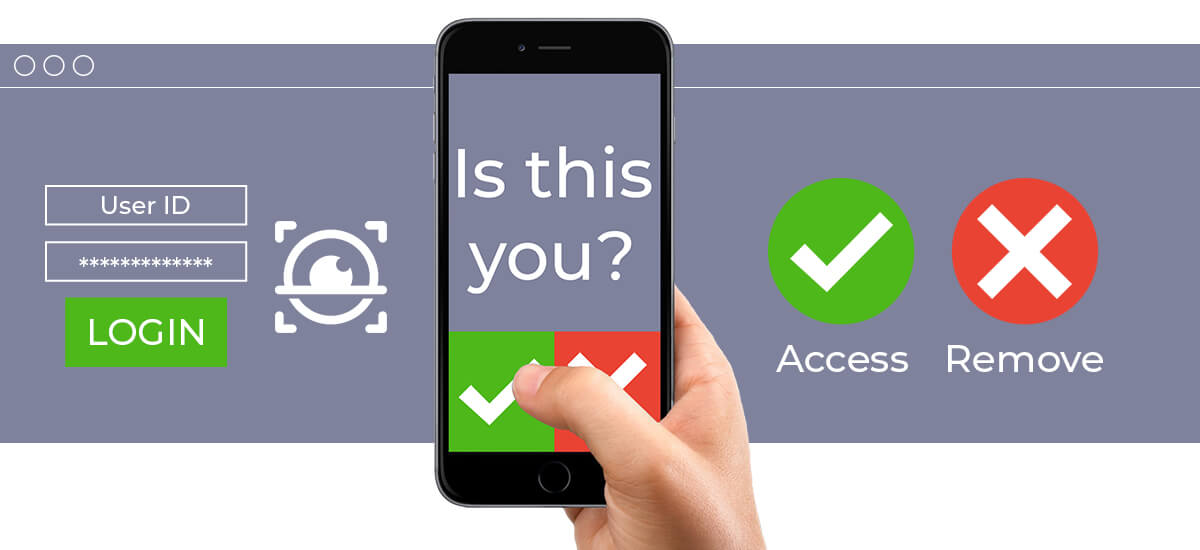
Hackers take advantage of your MFA fatigue—the tendency to approve prompts out of habit—by bombarding you with repeated MFA requests, hoping you’ll approve one out of frustration.
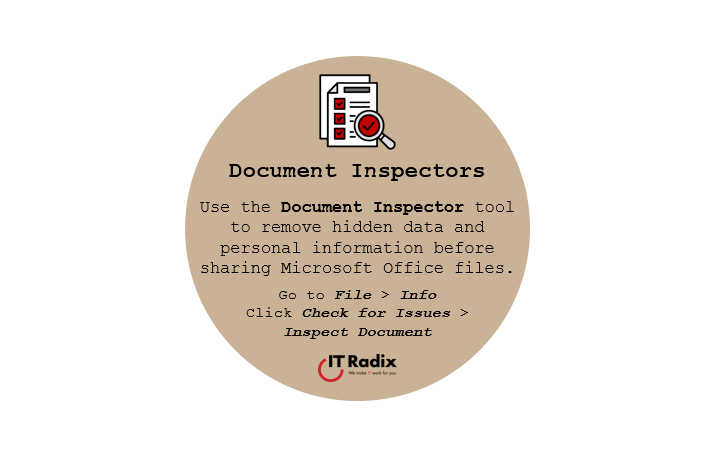
Use the Document Inspector tool to remove hidden data and personal information before sharing Microsoft Office files.
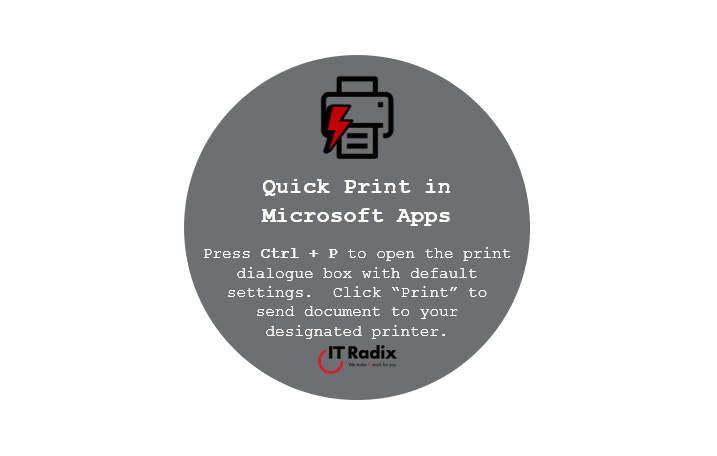
Press Ctrl + P to open the print dialogue box with default settings. Click “Print” to send document to your designated printer.

Google and Apple have smartphone solutions to take some stress out of the busy holiday season.

Get the conversation started on Copilot AI. Here are some helpful hints for productive prompting…

Here are the questions your IT provider should be ready to answer—straight answers that keep your business running smoothly.
In this issue:

Pin your go-to chats and channels by adding them to Favorites.
Don’t save or open documents in outdated file formats (e.g., .doc, .xls) as they may lack modern security features.