
Finding Text
Finding Text Use Ctrl + F to open the Find field and search for text in most Microsoft 365 programs (Word, Excel, PowerPoint, Publisher). This


Finding Text Use Ctrl + F to open the Find field and search for text in most Microsoft 365 programs (Word, Excel, PowerPoint, Publisher). This
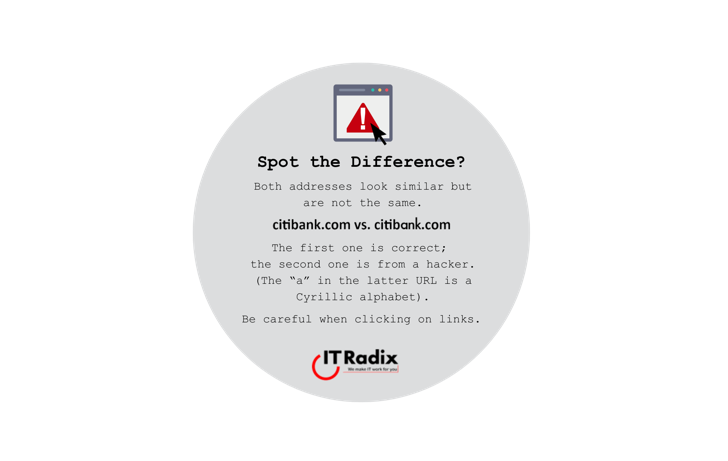
Spot the Difference? Both addresses look similar but are not the same. citibank.com vs. citibank.com(compare URLs in circle image above) The first one is correct;
Change Your Mind? Ctrl + Z to undo a prior change Ctrl + Y to reverse your last undo For example, if you delete text,
Side-by-Side View of Calendar and Email Do you ever need to view your calendar and email at the same time? Outlook makes it easy: Right

Question Before Clicking Beware of links on social networking sites to online deals that are too good to be true. If you’re tempted by an

Text Shortcuts in Windows Ctrl + X – Delete selected text Ctrl + C – Copy selected text Ctrl + V – Paste copied or
Voice Recorder Record a voice message on your computer to share with others. Search for “Voice Recorder” in the Windows Start menu. Click on the

Don’t Go Public Free hotspots are convenient when you’re out and about, but not all public networks are secure. Avoid online shopping while connected to

Navigating Web Pages Use your keyboard to quickly navigate web pages. Scroll down – Spacebar Scroll up – Space Bar + Shift As
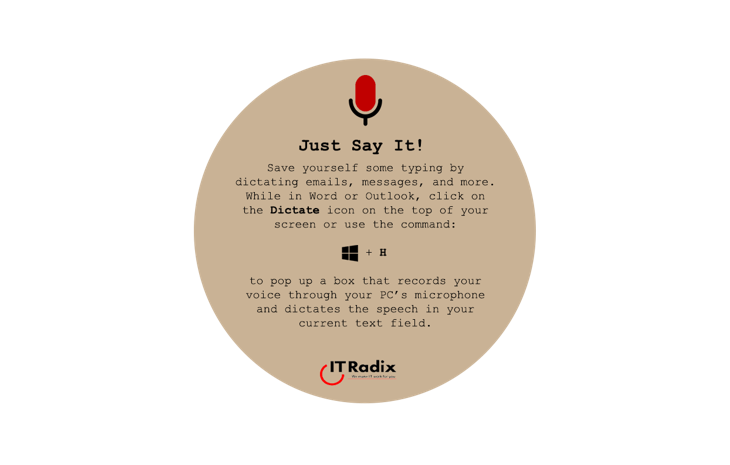
Just Say It! Save yourself some typing by dictating emails, messages, and more. While in Word or Outlook, click on the Dictate icon on the