

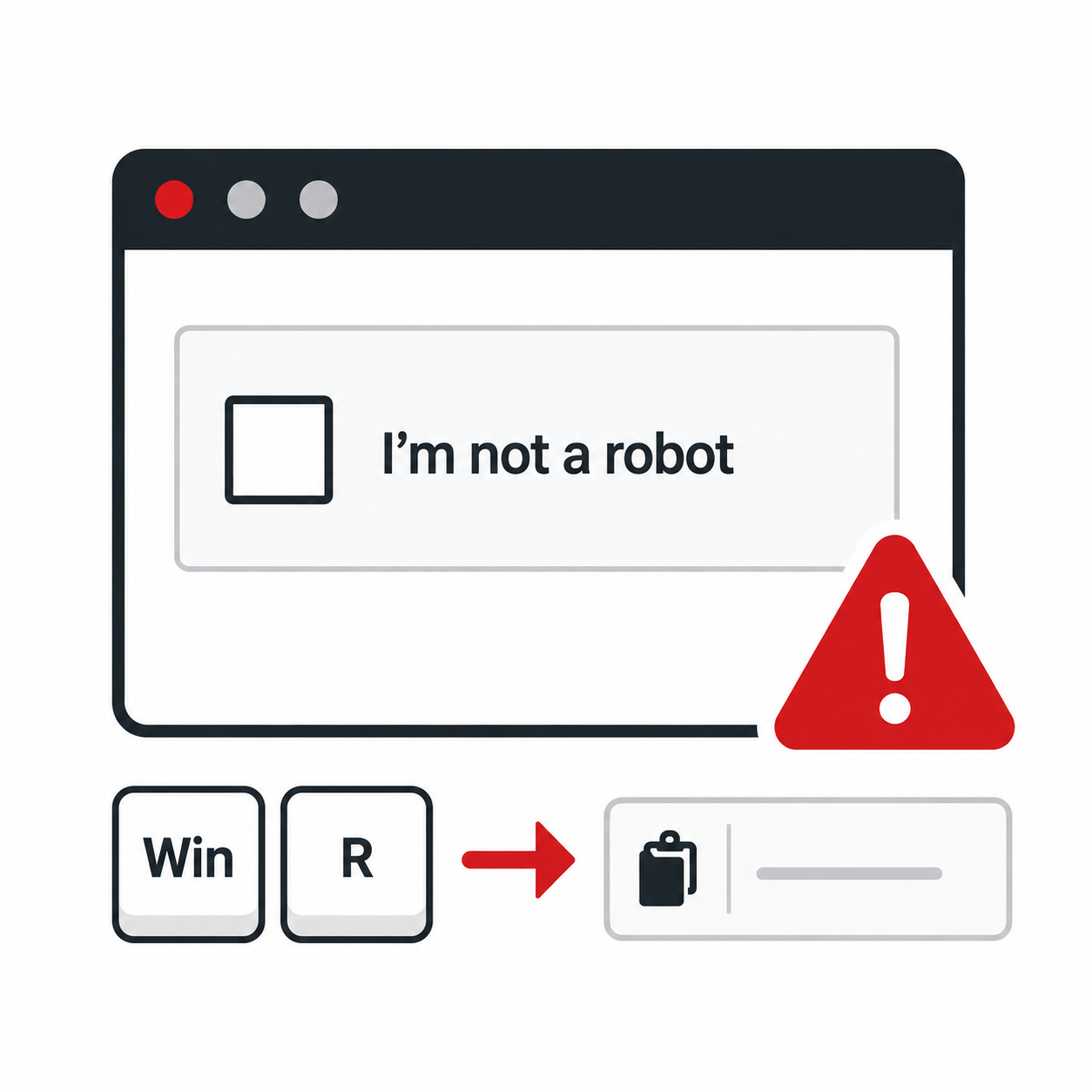
We have all seen those “I’m not a robot” CAPTCHA boxes online. Usually, they are harmless little checkpoints that help websites confirm a real person is visiting.
Unfortunately, cybercriminals are now using fake CAPTCHA screens to trick people into infecting their own computers.
Here’s how the scam works: A user lands on a fake or compromised website and sees what looks like a normal CAPTCHA. Instead of simply clicking a checkbox or choosing the right images, the page gives unusual instructions. It may tell the user to press Windows + R, paste in a code, and hit Enter. DON’T! That’s the danger zone.
Windows + R opens the Run command box, which can launch programs, tools, and commands on your computer. If a user pastes in code from a fake CAPTCHA page, they may unknowingly run a malicious command. That command could download malware, steal information, or give cybercriminals a foothold in the system.
A real CAPTCHA will never ask you to open Run, PowerShell, Command Prompt, Terminal, or any other system tool. It will never ask you to paste anything into your computer.
If you see a CAPTCHA asking for those steps, stop immediately. Close the page and contact your IT team.
Cybercriminals are counting on people to move quickly and follow directions without questioning them. A quick pause to contact IT can make all the difference.
When in doubt, don’t Run with it. IT Radix is here to help keep your team safe from sneaky tricks like this.
If you would like to learn more, contact us.