

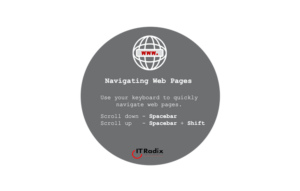
Navigating Web Pages
Navigating Web Pages Use your keyboard to quickly navigate web pages. Scroll down – Spacebar Scroll up – Space Bar + Shift As
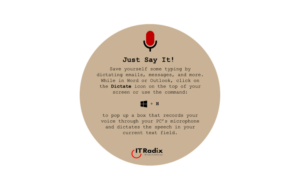
Just Say It!
Just Say It! Save yourself some typing by dictating emails, messages, and more. While in Word or Outlook, click on the Dictate icon on the

Don’t Get Smished!
Don’t Get “Smished” Security Tip: Beware of texts from unknown senders and do not click on links. Did you provide your cell phone number for

Sticky Notes
Sticky Notes Save the scrap paper! Use the Windows Sticky Notes app for a super simple way to pin a sticky note to your desktop

Just Say It!
Sometimes it’s easier to just say it… …especially if you are doing a brain dump and want to get your thoughts down on paper (or
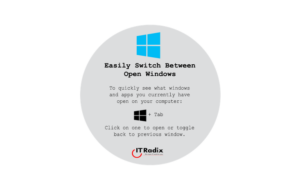
Easily Switch Between Open Windows
Easily Switch Between Open Windows To quickly see what windows and apps you currently have open on your computer: [Windows key] + Tab Click on
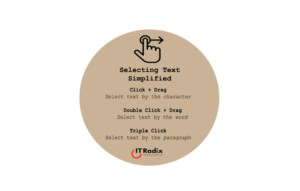
Selecting Text Simplified
Selecting Text Simplified Click + Drag: Select text by the character Double Click + Drag: Select text by the word Triple Click: Select text by

Pin Apps to the Taskbar
Pin Apps to the Taskbar Get to the programs you use most often by pinning them to the taskbar permanently for easy access. Right-click on

Immerse Yourself
Microsoft Edge’s Immersive Reader is a built‑in tool that enables you to customize how you read online for an easier, more accessible experience. Immersive Reader