The Smart Way to Use AI
Be smart when it comes to AI! Start with one or two time-consuming tasks, put the right guardrails in place, don’t share sensitive data, and expand slowly.

Be smart when it comes to AI! Start with one or two time-consuming tasks, put the right guardrails in place, don’t share sensitive data, and expand slowly.

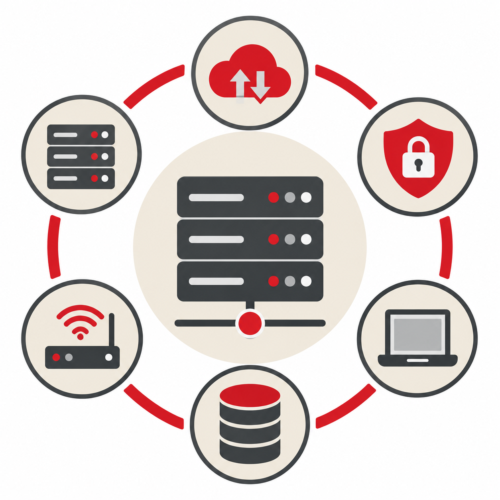
Businesses can optimize their IT infrastructure by using business-grade equipment, eliminating single points of failure, automating maintenance, monitoring cloud resources, strengthening cybersecurity, and maintaining reliable backups. The goal isn’t necessarily to buy more technology. It’s to make the technology you depend on more reliable, secure, and efficient.

Cyberattacks usually start with quiet scouting, not a massive crash. Take a step back to see what quietly slips by unnoticed.

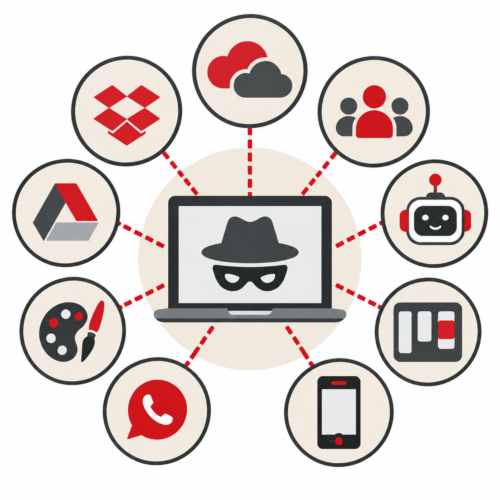
The easiest way to identify Shadow IT is to look at what technology employees are actually using, not just what’s on your approved software list. Reviewing software spending, employee expenses, cloud services, browser extensions, file-sharing habits, and communication tools can uncover technology your business didn’t know was being used.

In this issue:

Local infrastructure gives businesses greater direct control and can provide strong performance for certain applications, while cloud infrastructure offers flexibility, remote access, and easier scalability. For many small and midsize businesses, the right solution is a hybrid approach that uses both based on the company’s needs.

Shadow IT refers to technology employees use for work without formal approval or oversight from the business or its IT team. It can include software, cloud services, file-sharing platforms, collaboration tools, AI applications, mobile apps, and even personal devices.

In Microsoft Word, go to File > Options > Proofing and uncheck “Ignore Words in UPPERCASE” so ALL-CAPS text is spell checked.

IT infrastructure management is the ongoing process of monitoring, maintaining, securing, and optimizing the technology systems that keep a business running. This includes networks, servers, cloud services, computers, firewalls, backups, and other critical IT systems.

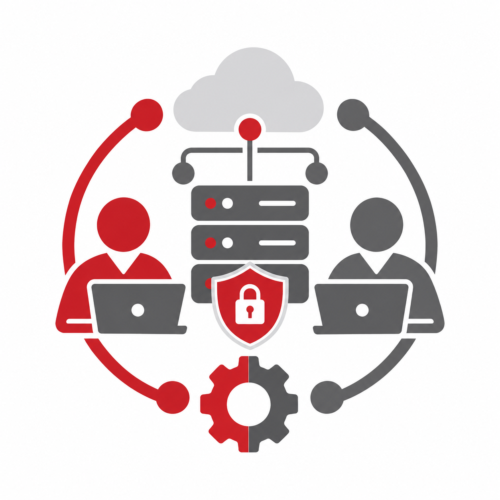
Proactive IT maintenance helps businesses prevent downtime, improve security, and keep technology running reliably. A regular maintenance routine should include reviewing computers, networks, backups, security controls, and future technology needs.
Let’s talk…
"*" indicates required fields