
Emergency Whistles Help You Stay On Course When Disaster Strikes
A Business Continuity Plan (BCP) is your organization’s emergency whistle—guiding you past unexpected obstacles.


A Business Continuity Plan (BCP) is your organization’s emergency whistle—guiding you past unexpected obstacles.
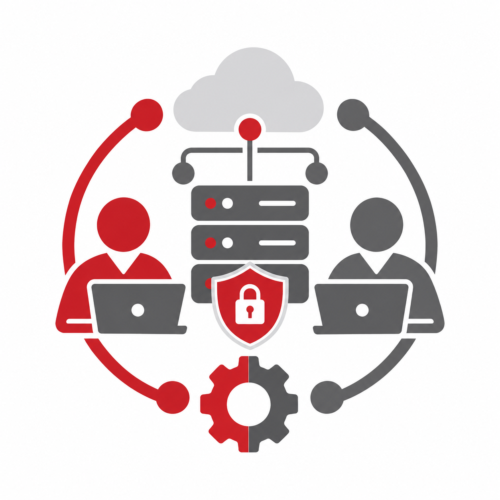
When a co-managed IT relationship isn’t working, start by addressing communication problems, clarifying responsibilities, and setting expectations for improvement. If problems continue, review your contract, verify access to critical systems, and plan a secure transition to another provider. The goal is to protect your business while minimizing disruption.
In this issue:

The compliance requirements that apply to your small business depend on your industry, the information you collect, where you operate, and your customer contracts. Common requirements involve data privacy, cybersecurity, payment security, and state and federal regulations.
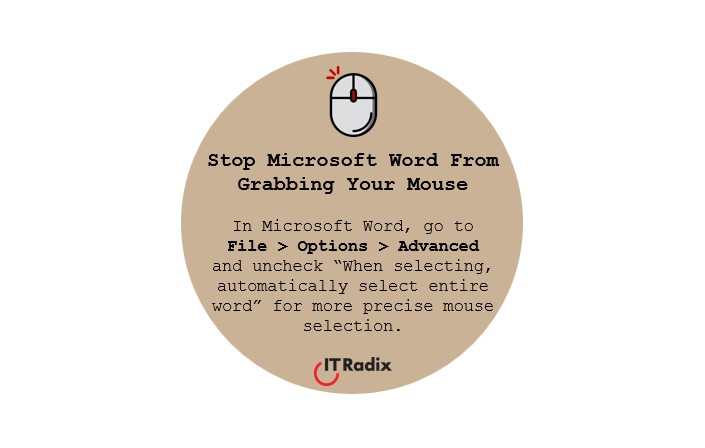
In Microsoft Word, go to File > Options > Advanced and uncheck “When selecting, automatically select entire word” for more precise mouse selection.
Co-managed IT is a collaborative approach to technology support where a business’s internal IT team works alongside a Managed Service Provider (MSP). The MSP provides additional expertise, resources, monitoring, and support without replacing existing staff. This helps businesses strengthen security, reduce workloads, and support growth while maintaining control over their technology.
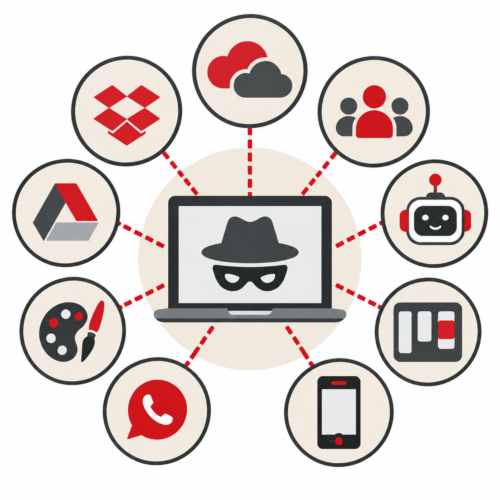
Employees often use Shadow IT because they’re trying to solve a business problem. Whether it’s outdated software, inefficient workflows, slow approval processes, or missing features, unapproved technology can reveal gaps in how a business operates. Understanding why employees seek alternatives can help improve productivity while maintaining security.
Remove or disable unnecessary add-ins in Microsoft Office applications to reduce the risk of vulnerabilities through 3rd-party software.
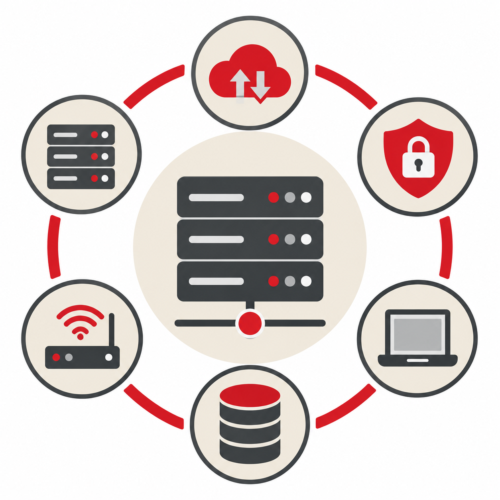
Zero Trust is a cybersecurity strategy built around one simple principle: never trust, always verify. Instead of automatically trusting users or devices because they’re connected to a company network, Zero Trust evaluates identity, device security, and access permissions. This helps small businesses reduce cybersecurity risks and better protect their information.
Poor password management leaves the doghouse door wide open.