

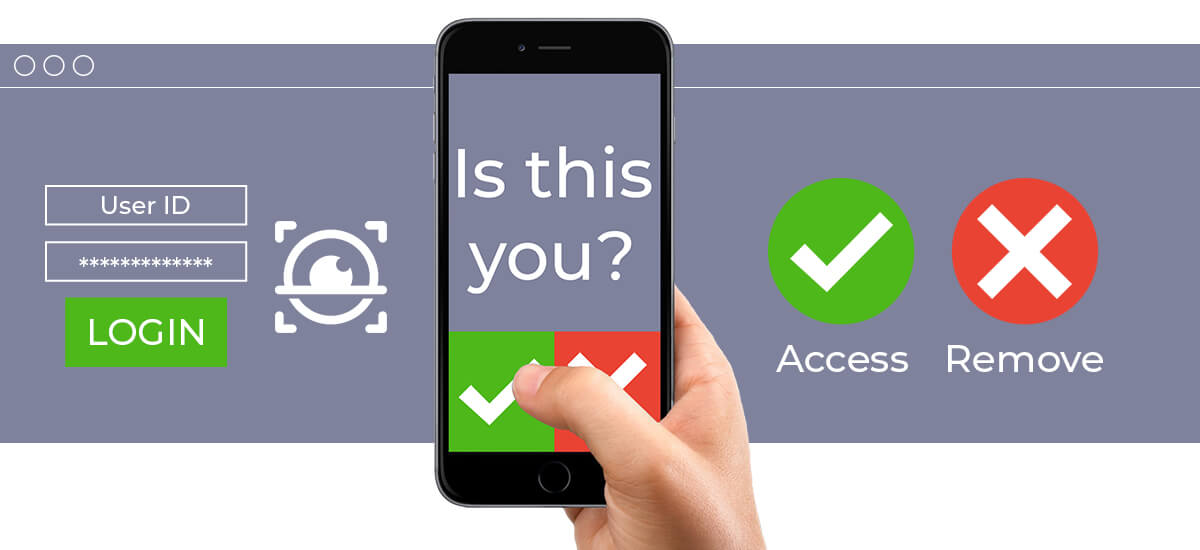
Multi-factor authentication (MFA) is the defense your account needs to stay safe from cybercriminals. It is essentially the “second step” of security after inputting a password. This can be via email code, text code or even a phone call, and it’s all designed to keep your account extra secure. Hackers can take advantage of your MFA fatigue—the tendency to approve prompts out of habit—by bombarding you with repeated MFA requests, hoping you’ll approve one out of frustration.
Here’s how they work:
1. Fake “Support” Texts: After the cybercriminals swamp you with MFA notifications, they then send you a convincing “support” text message requesting your approval of the sign-in, disguised as someone you trust like your IT company, Microsoft, or your bank. Approving allows the attacker to access your account.
2. “Verifying” via phone call (at night): Another way hackers attempt to access your account is when you’re more likely to be vulnerable and tired—at night. They call you and request you press a button to “verify”, hoping your tired state confuses you and you just agree, which also gives them access to your account.
What to watch out for:
- Multiple MFA sign in prompts over a short period of time
- “Support” Text messages from strange numbers
- Suspicious Phone calls at night asking you to “verify” your account
How to Stay Safe:
- You should NEVER approve access to any accounts you aren’t trying to sign into yourself. If you are not personally signing into your account, deny any prompts you see to sign-in.
- If you feel you are receiving prompts to sign into accounts you are not requesting, immediately change your password.
- Always use strong unique passwords for each account, NEVER reuse passwords.
Looking to Strengthen Your MFA Security?
Getting weird sign-in alerts or just want to make sure your MFA is set up right? IT Radix can help. We’ll take a look at your current setup, spot any weak points, and give you simple tips to make things safer for your team. Stay safe, and only hit “approve” when you know it’s really you logging in.