

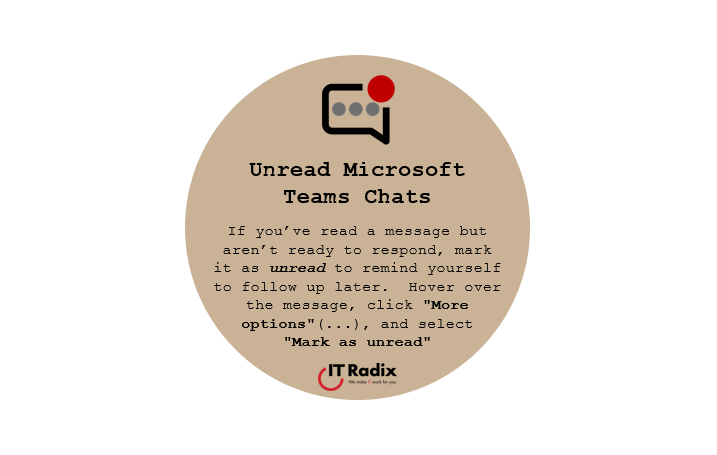
Unread Microsoft Teams Chats
If you’ve read a message but aren’t ready to respond, mark it as unread to remind yourself to follow up later. Hover over the message, click “More options“(…), and select “Mark as unread.”
Unread… But Not Forgotten
Ever read a Teams message and think, “I’ll reply in a minute”… and then it vanishes into the chaos of the day? No worries— mark it as unread so it stays on your radar and reminds you to follow up later.
Hover over the message, click More chat options (…), and select Mark as unread. It’s a simple trick that helps prevent missed requests, forgotten approvals, and “Oops, I meant to answer that!” moments.
As always, if you have any questions, contact us! We’re here to help make IT work for you!