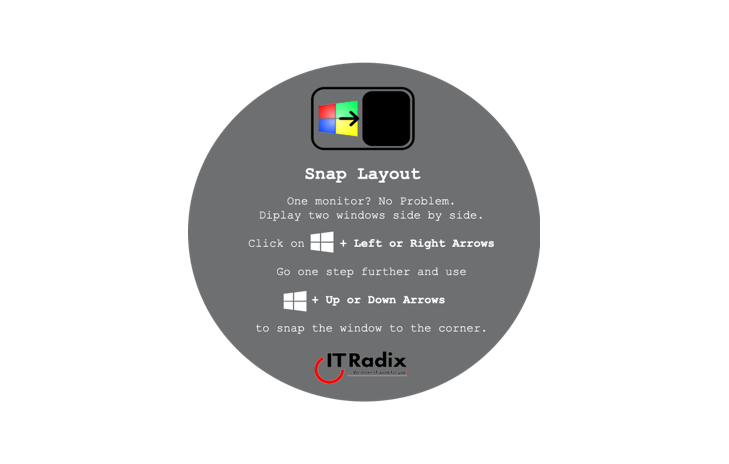
Snap Layout
Snap Layout One monitor? No problem. Arrange two side-by-side windows. Click the [Windows key] + Left or Right Arrows Go one step further and use +


Snap Layout One monitor? No problem. Arrange two side-by-side windows. Click the [Windows key] + Left or Right Arrows Go one step further and use +

Jandy’s favorite productivity app is Snip & Sketch. Windows 11 replaced the legacy Snipping Tool and Snip & Sketch apps with a new version that

The 10 Commandments of IT Security IT Security Commandment #6: Thou Shalt Keep All Thy Policies Up to Date There is an old proverb attributed

Power Saving Settings Can Significantly Reduce Energy Consumption and Save Electricity Did you know an idle PC uses 90 watts per hour? Compare that to a

In 2020, Doug and I had planned to visit Peru and a small part of the Amazon rainforest. Sadly, our trip to Peru has been
In this issue:
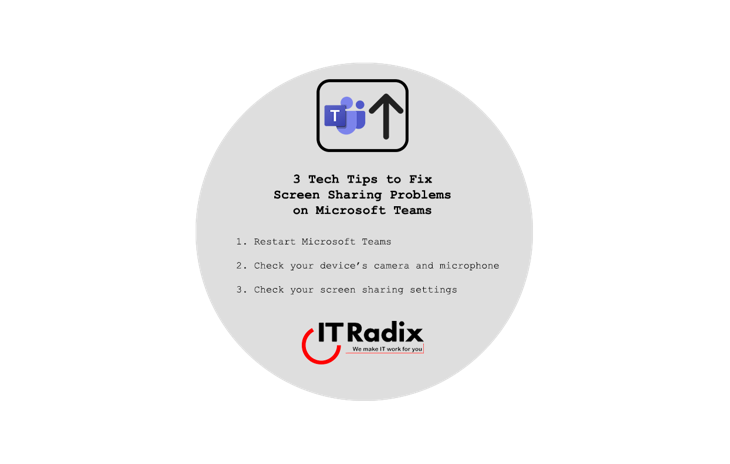
3 Tips to Fix Screen Sharing Problems on Microsoft Teams Restart Microsoft Teams Check Your Device’s Camera and Microphone Check Your Screen Sharing Settings As

Are you facing issues with Microsoft Teams screen sharing? If yes, then you’re not alone. Many people have experienced problems with screen sharing during online

Be More Productive in Edge by Using Vertical Tabs One of Microsoft Edge’s unique features is Vertical Tabs, which replaces the row of tabs along the

Reverse Search an Image on Google Chrome In Chrome, right click an image at the same time as pressing ‘s’ on your keyboard. This will