Show the Ruler in Microsoft Word
In Microsoft Word, select View > Ruler to see margins, indents, and tab stops at a glance.


In Microsoft Word, select View > Ruler to see margins, indents, and tab stops at a glance.
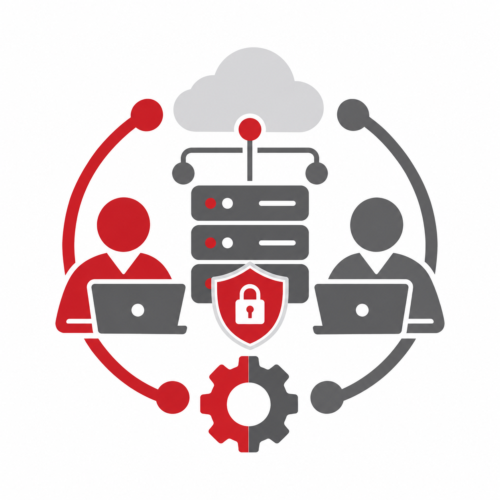
The biggest security risks in co-managed IT include unclear responsibilities, excessive administrator access, inconsistent security standards, limited monitoring visibility, and slow incident response. Businesses can reduce these risks by clearly defining responsibilities, standardizing security practices, and ensuring their internal IT team and Managed Service Provider (MSP) work together.
Bad habits often stick because they seem easier in the moment. Consider quitting these risky technology practices cold turkey.

Some of the most common compliance risks for small businesses include weak user access controls, inconsistent cybersecurity protections, inadequate backups, missing documentation, and unclear responsibilities. These gaps can expose sensitive information, disrupt operations, and make it difficult to demonstrate compliance with applicable requirements.

A Business Continuity Plan (BCP) is your organization’s emergency whistle—guiding you past unexpected obstacles.
When a co-managed IT relationship isn’t working, start by addressing communication problems, clarifying responsibilities, and setting expectations for improvement. If problems continue, review your contract, verify access to critical systems, and plan a secure transition to another provider. The goal is to protect your business while minimizing disruption.
In this issue:
The compliance requirements that apply to your small business depend on your industry, the information you collect, where you operate, and your customer contracts. Common requirements involve data privacy, cybersecurity, payment security, and state and federal regulations.
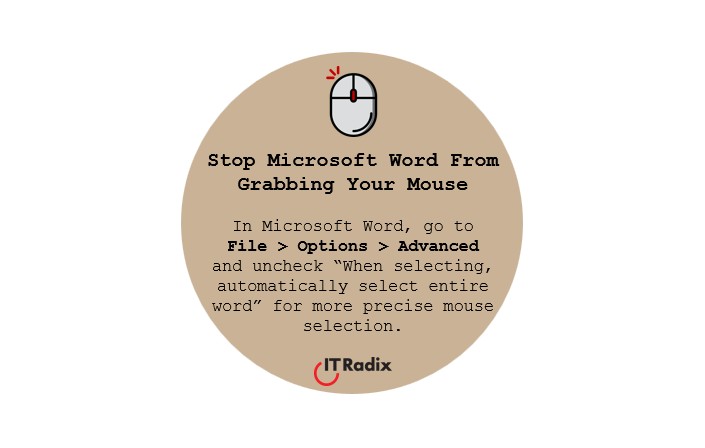
In Microsoft Word, go to File > Options > Advanced and uncheck “When selecting, automatically select entire word” for more precise mouse selection.
Co-managed IT is a collaborative approach to technology support where a business’s internal IT team works alongside a Managed Service Provider (MSP). The MSP provides additional expertise, resources, monitoring, and support without replacing existing staff. This helps businesses strengthen security, reduce workloads, and support growth while maintaining control over their technology.